
A sticker. No bulky accessory.
Apply a thin QR/NFC sticker directly to a suitable surface. Your personal contact details are not printed on the item.
Thin adhesive QR/NFC stickers
Discreet stickers go directly on your camera, inside your wallet or on a passport cover. Lightweight and battery-free, with no extra accessory to carry.
A person’s scan or tap starts recovery. No background location tracking.
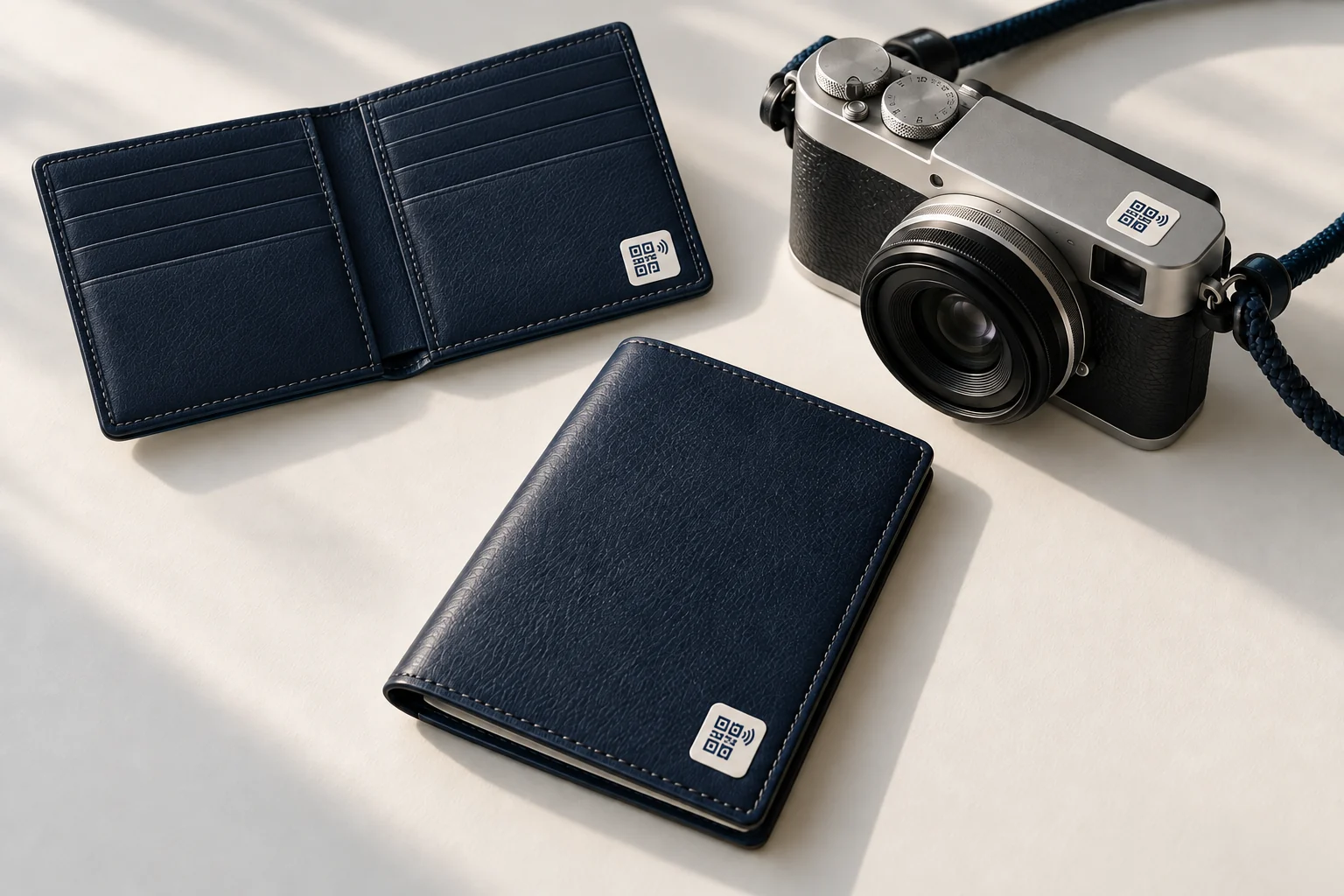
Apply a thin QR/NFC sticker directly to a suitable surface. Your personal contact details are not printed on the item.
The finder opens the recovery page in a phone browser. No finder app or account is required.
Help reconnect a misplaced item with its owner. Your team keeps responsibility for storage, ownership checks and handover.
For belongings that are misplaced, found or handed to a facility—not stolen-item tracking.
Confirm your plan, activate each sticker and apply it to a suitable surface: a camera, inside a wallet or on a passport cover.
A person scans the QR code or taps compatible NFC to open the recovery page. No finder app or account is required.
The finder notifies the owner through the recovery flow. Confirm ownership and arrange a safe handover with the finder or facility.
For hotels, hostels and lost-and-found teams
Explore a pilot around your existing workflow. Measure staff time, repeated enquiries and completed returns before deciding what to expand.
Discuss a facility pilotNo. The sticker does not broadcast your whereabouts or track your belongings in the background. A person can scan or tap it at any time. QLokate supports return of found items; it is not theft prevention or stolen-item tracking, and a return is not guaranteed.
No. The finder opens the recovery page in a phone browser by scanning the QR code or tapping compatible NFC. No finder app or account is required.
Ask us to check compatibility first. An arbitrary existing QR code is not automatically supported, and an enquiry does not register it. Do not replace an existing recovery link without checking with us.
On a suitable camera surface, inside a wallet, or on a passport holder or protective cover. Confirm size, surface suitability and NFC compatibility before applying. Do not cover official document information or security features.
Download the app separately. Ask us about plan availability and item activation.